
Managing internships for aspiring chartered accountants
CROEC Pays de la Loire wanted to automate the tracking of 300 aspiring chartered accountants undertaking internships lasting three to six years in the region.
1. Getting the project started
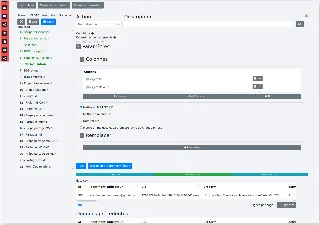
The creation studio can be used to configure any type of workflow or task automation. At each step, we select the module needed to complete the process.
2. Sending emails via Mailjet
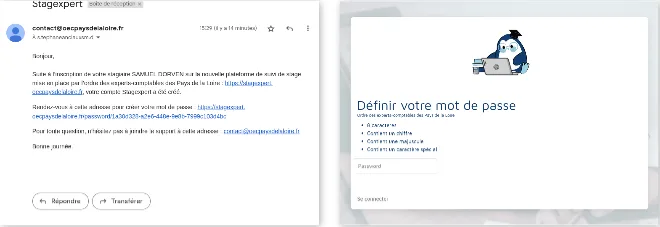
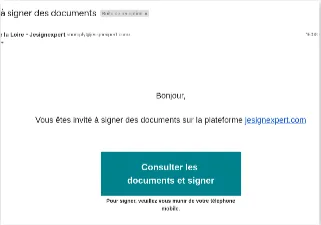
Users first encounter the platform through an email. To send it, the platform uses a preconfigured external service (Mailjet).
3. Tasks to complete
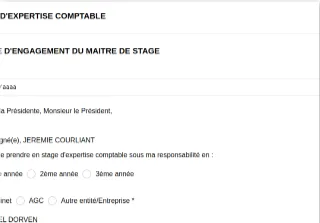
When users log in, they arrive at a screen showing the tasks they need to complete. This assistant brings together the tasks, the materials needed to complete them (documents, forms, etc.) and an interface for doing so. The screen shows the registration form, created with the form builder.
4. Saving data to the database
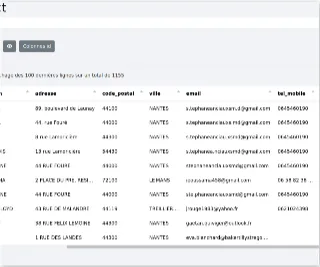
Form responses are saved directly to the database. The database interface supports standard operations (searching, adding, deleting, etc.). Saving a record can automatically trigger other tasks configured in the studio.
5. Generating a PDF summary of the form
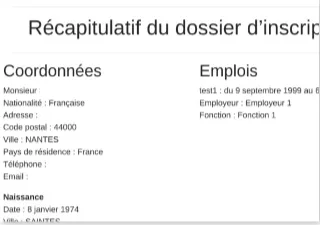
Once the form is complete, the platform generates a summary. This document is one of those sent to the intern for signature.
6. Saving the PDF in the document management system
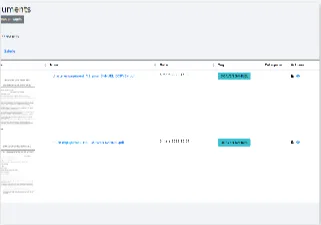
The platform includes a document management system that handles all types of files (PDFs, Word documents, spreadsheets, images, etc.).
7. Managing relationships
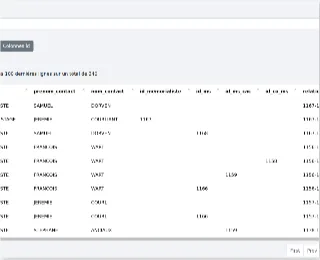
Managing relationships is one of the project's challenges. Each intern may have several internship supervisors and a pair of reviewers. We created a “relationship” table to describe the links between users.
8. Managing access rights
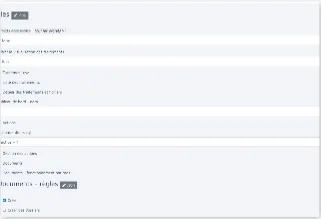
Each supervisor must be able to view the intern's documents and interact with them (sign a document, leave a comment, etc.). More generally, everyone should see only what concerns them on the platform. Access rights can be managed in fine detail.
9. Requesting a signature
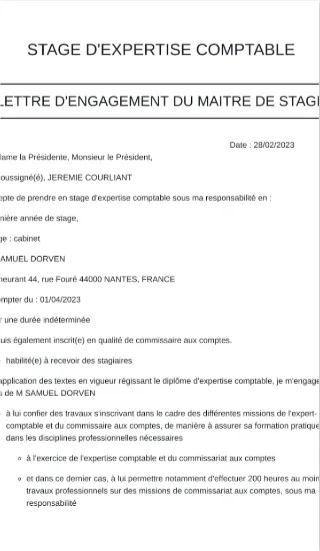
A signature request is sent automatically when everything is ready. Signing is handled by an external service. Once signed, the document is stored in the document management system. The “action” table records that the signature has been completed.
10. Dashboard
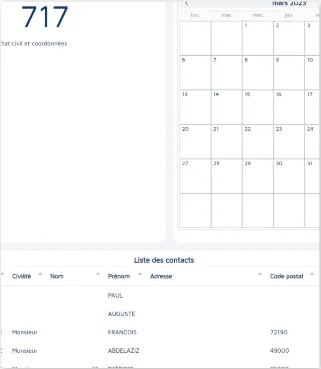
The dashboard lets each user choose the indicators that matter to them. It can also display tasks to complete, filtered table views (such as the “contact” table shown here), forms and more. Users can create as many dashboards as they need and organize them by topic.
11. Admin console
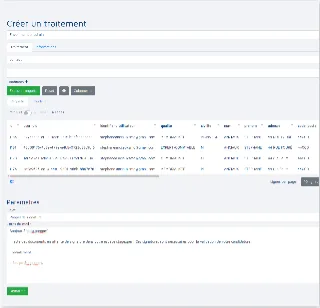
The admin console lets administrators quickly assign tasks to users (request a signature, ask them to fill in a form, etc.). It also helps them manage their work, including sending emails and text messages.
What Stagexpert has achieved
The assistant organizes everyone's tasks, saving time for all involved and bringing useful information together in one place. For administrative management, the platform has been a game changer!
- 700 users welcomed onto the platform
- 60% less time spent by the administrator on administrative tasks
- 500 fewer manual signatures for the president
- 1,500 stamps saved each year