
Optimizing Financial Flows
We automate training invoicing for a major car manufacturer and reimbursement by the OPCO. This enables much faster processing while simplifying exchanges between partners and making them more reliable.
1. Receiving the file
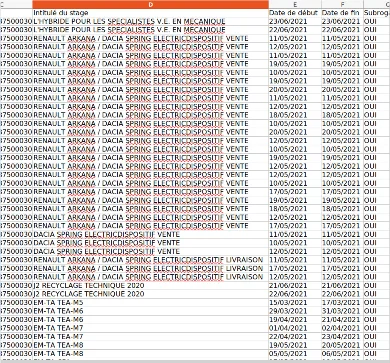
Receiving the spreadsheet of completed training courses from the manufacturer’s LMS (Learning Management System).
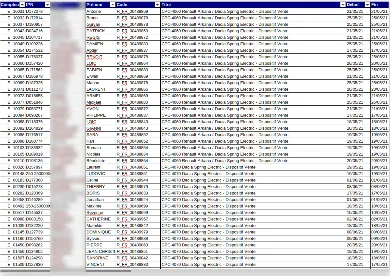
2. Processing the data
Processing the data to extract and clean the key information needed for dealerships to validate the training courses.
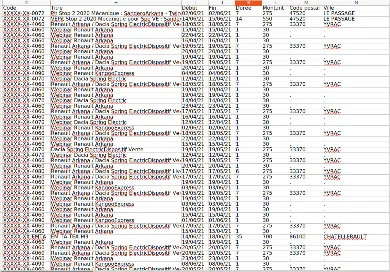
3. Entering the data into the database
Entering training and employee data into their respective database tables.
4. Creating the forms
Creating the validation forms in HTML format.
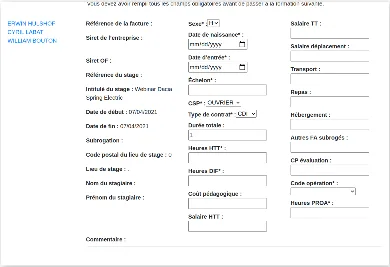
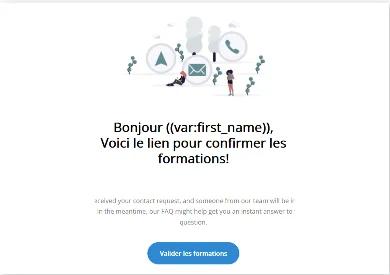
5. Sending validation emails
Sending training validation emails to dealerships, directing them to the online form.
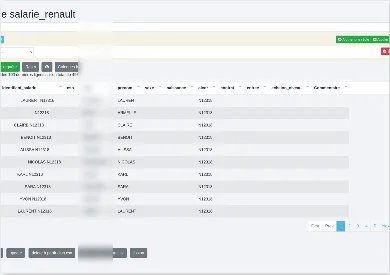
6. Saving the information in the database
Saving the information from the forms in the dedicated training and employee tables.
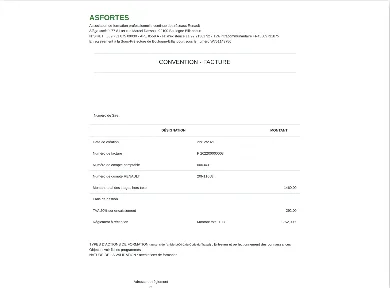
7. Creating invoices
Creating invoices for training costs and training certificates in PDF format.
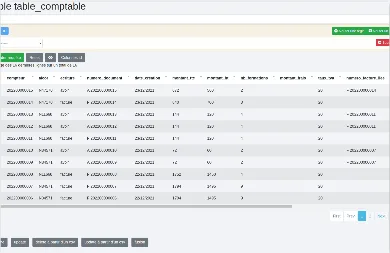
8. Recording accounting entries
Recording accounting entries in a dedicated table.
9. Storing documents
Storing the generated documents in the secure user area.
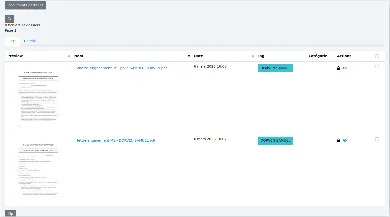
10. Creating the EDI document
For each batch of invoices, creating an EDI document containing all the information the OPCO needs to process the invoiced training courses and their associated expenses.
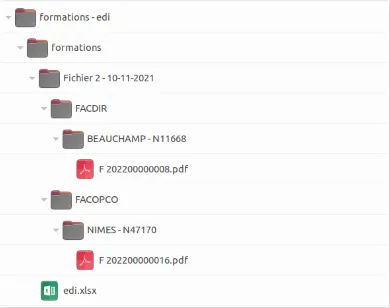
11. Bundling the invoices
Bundling the invoices, certificates and EDI document into a ZIP file.
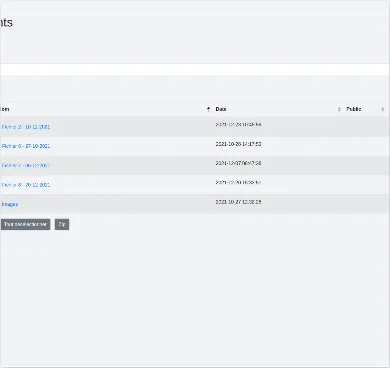
12. Saving the ZIP file
Saving the ZIP file in the OPCO’s secure area.
Return on investment
Considerable savings in time and money, with the capacity to handle higher processing volumes.
- A fourfold reduction in the work time required for the operators managing the project
- Faster processing and improved cash flow for partners
- Capacity to scale up processing volumes (number of training courses)
- Automated document production (invoices and training certificates) and more reliable calculations